Sending Bulk Emails (Merchant to Global-e)
Emails can now be sent to multiple addresses by issuing an API call providing order IDs and the email message type. Additionally, placeholders can be added to the mail message to dynamically add details to the email message content without code changes. This API provides the following:- Allow the merchant to send CS emails (Bulk Emails) on a single API by providing a list of order IDs
- Allow the merchant to specify the email address for sending the processing report
- Allow merchant the option to specify the return address, default as configured for CS/FinOps
- Monitor and log merchant actions
- Store the action results report for performance and success level measurements.
- Customize the email message template for full merchant customizations and look & feel
Prerequisites
The following is to be prepared Before issuing the API:- Select the email type and verify its template, from the existing types, or ask your CSM to create a template.
- Specify the placeholders’ name and value, if you plan to add them to the email message.
- List the Order IDs that are the addressees of this mail.
A text resource value refers to predefined placeholders and their related values. The placeholders and their values are defined in the Admin platform, with the prefix
TR_. A value can be a Global-e default value or merchant-specific value. Refer to your CSM for all predefined TR_ placeholders, and for defining merchant-specific values.Send Bulk Emails — full request & response
Parameters, schema, examples, error codes for
POST /emails.Use Cases
Mail Message
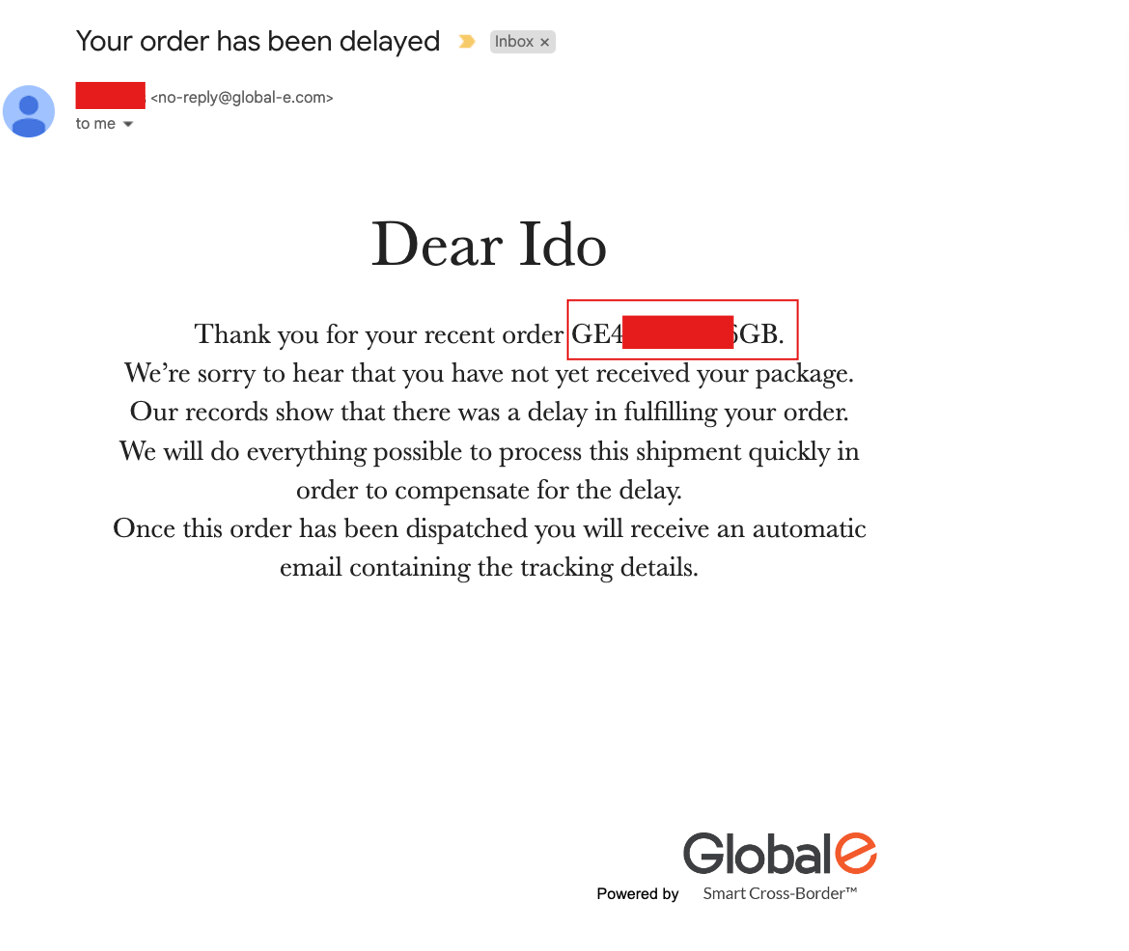
In the following example, the Order ID is integrated into the email template, by adding theorderId placeholder.
Results Report Email
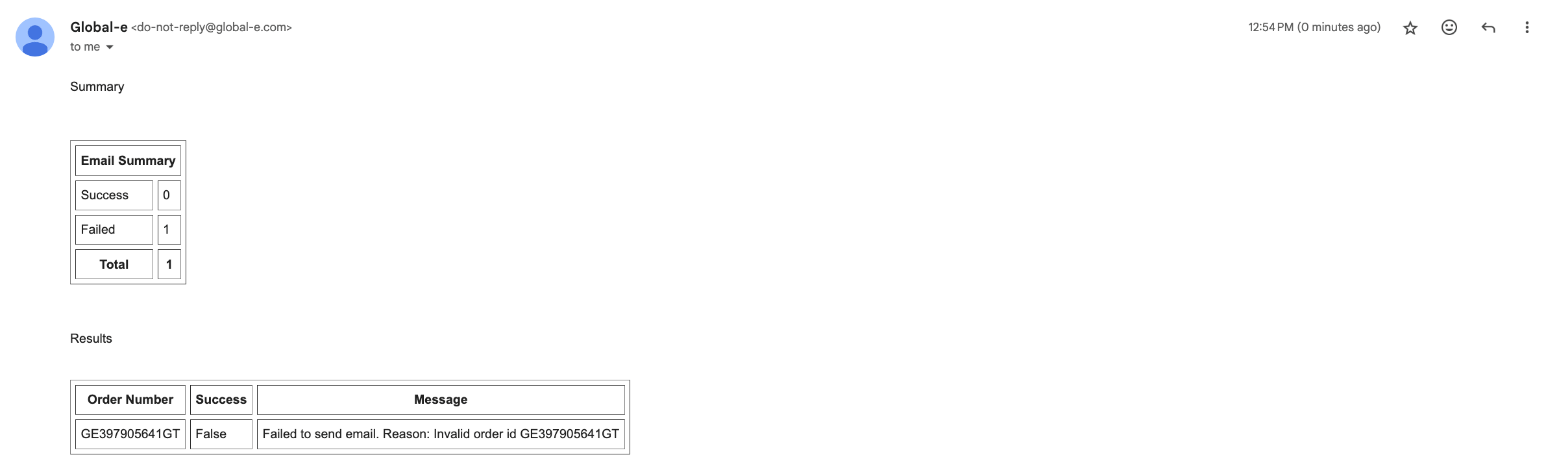
The following report is received detailing the result of the bulk emails API, sent to inform of a delayed fulfillment of a single order ID.